Skip to content

Rolf Kleef

Drones for good, pirates in the sky

You’re enjoying a sunny day in the park with some friends. You get out your smart phone to find that piece of music your friends really should hear, and all of a sudden, a flock of colourful mini helicopters appears out of nowhere, and perform a gracious dance in the sky above you while the music plays. Then they disappear again.

Sounds futuristic? Yeah, even still looked futuristic when I saw this at the GLOW Festival in Eindhoven, last November:

Science fiction is quickly loosing its fiction part and is becoming reality. The Electronic Countermeasures installation was a proof of concept of the technology, but now the Pirate Bay is preparing for the next step: using these flying robots to build a “low orbit network of server drones”. Let the robots in the sky help you share, independent of providers and regulators.

The military are building drones for “ Non-cooperative, Biometric Tagging, Tracking, facial recognition to follow people in a crowd, so why not use the same tools for to monitor police operations in demonstrations?

http://youtu.be/9vOor1xmVDs

Although still relatively expensive, the drones are a nice addition to the $100 Satellites, using balloons and kites to make maps and asses situations, for instance in the aftermath of the Deepwater Horizon disaster, or working with communities in Peru:

ed7e0b78fe65cad28d00841bacf4b882_MD5.jpg

Lets build Drones For Good!

Deploying a website with lftp

a3e419a79945282c3a90deb03218793f_MD5.png There still are web hosting providers offering only ftp access to your website files. No fun if you’re used to version control systems and shell access.

I had to deal with that situation, and used Linux’s strength: combining several small tools.

I have a laptop running Ubuntu, a website in WordPress, git for version control, and use Eclipse as my development environment. I first looked at Aptana and other options for Eclipse, but I wanted a more light-weight solution that I could also use outside Eclipse.

lftp

Ubuntu comes with lftp, an ftp client that can be scripted and has a “mirror” command to basically get a target location synchronised to a source.

(It actually can do a lot more, and work over http or bittorrent too, but that’s outside the scope of this post.)

.gitignore

Not all files need to be uploaded. Typically, the.gitignore file already has a list of files and directories that are not under version control and wouldn’t go live when using git to update a server.

The lftp mirror command lets you exclude files and directories too, but curiously has no option to read a list of exclusions from a file. Martin Boze wrote how he fixed that, by using sed and tr.

scripting

I didn’t want to write a series of lftp commands, but instead would prefer to connect once, then run a series of transfers, inside a single script.

Specifically for WordPress, I also like to have a local mirror of images and documents uploaded on the live site.

It is possible use lftp as the shell to run a script, but unfortunately, it’s not possible to use environment variables or Martin’s “sed” trick in such scripts.

But it’s not to hard to do using the Heredoc syntax.

git branches

I use branches in git to separate my development version from a preview and a live version. By adapting the upload script in each branch, I can simply call “deploy” to upload the files to the right place.

#!/bin/bash
lftp <<EOF
user ftp-username ftp-password
open ftp.provider.com

# "mirror" from local copy to server, use .gitignore to excude files (sed, tr), delete remote files if needed
mirror -R -e -v -x \.git.+ -x scripts \`sed 's/^/-X /' .gitignore | tr '\n' ' '\` /var/www/dev_sites/website.org /www

# wordpress-specific
# "mirror" uploaded images on live back to local, don't delete local files if not on remote
mirror -v /www/wp-content/uploads/ /var/www/dev_sites/website.org/wp-content/uploads/
EOF

The only thing left to desire is a way to speed up ftp deployment…
Captchas and crowdsourcing

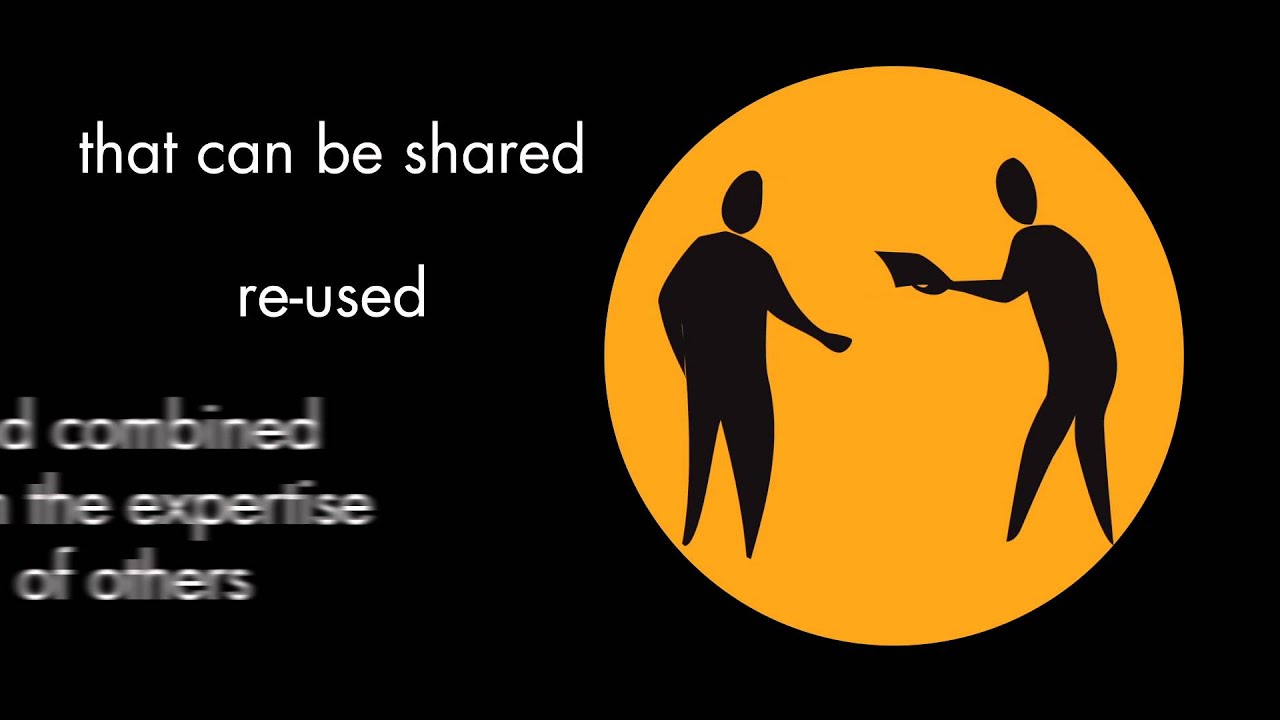
What if… you can help 100 million people to learn a new language, and let them help translate the web in return?

TEDxCMU — Luis von Ahn — Duolingo: The Next Chapter in Human Computation (by TEDxTalks)

Newsletter February 2012

In this newsletter:

  • a wrap-up of the past Open Tea and announcement of the next one.
  • an update on international aid data networking
  • current developments on the IATI NGO working group

Open Tea

On December the 8th the Open for Change network had its first Open Tea at the Amlab in Amterdam, to look back at the past year and discuss where we will be heading in 2012.

Mark Tiele Westra from Akvo presented openaid.nl, an initiative that makes open data on Dutch development aid visualized and searchable.
Marijn Rijken from TNO informed  and invited us to participate on a research project on the effects of open data for the development sector.

We discussed the organization of the Open for Change network. Evident in the discussion was the important role the Open for Change network holds in connecting, exchanging and supporting open data initiatives and knowledge in the development sector. How this role should be filled in is something we are working on in 2012.

We want to thank the 1%CLUB, Akvo and TextToChange for hosting the open tea in the gorgeous Amlab, and hope to see you there again at the next Open Tea: March 8th, 15:00- 17:00 and after that Open drinks!

International networking

At various meet-ups at conferences in 2011, we discussed ways to strengthen the international network of open aid data activists.

In November, we submitted a proposal for a European Aid Data Network to the EuropeAid budget line of the European Commission, led by AidInfo in the UK, with Partos (NL), FORS (CZ), ACEP (PT), IGO (PL) and the Open Knowledge Foundation (UK). We hope to hear by early March whether we are invited to submit a full proposal.

In the meantime, AidInfo has asked Claudia Schwegmann of OpenAid.de to continue building out this emerging European network. We had a first conference call last Tuesday, and plan to have the next one on March 2nd.

To create joint channels of communication, we invite you all to:

  1. Join the open-development mailing list to discuss international open aid data: http://lists.okfn.org/mailman/listinfo/open-development
  2. Track our guide of open aid data-related events, and submit yours: http://lanyrd.com/guides/open-aid-data/

IATI and NGOs

The IATI NGO Working Group is a CSO-led forum that was created with the approval of the IATI Steering Committee to discuss the application of the IATI Standards to the work of CSOs and to present practical proposals on CSO-specific approaches to publication of IATI compatible data.

The CSO Working Group is co-chaired by Beris Gwynne, representing the International NGO Charter of Accountability Company, and Brian Tomlinson, representing the CSO Open Forum.

Both Partos and Open for Change are represented in the group, and we’re aiming to organise an “intervision meeting” for Dutch NGOs in March.

The next peer reference meeting is planned for beginning of March. The first general consultation will hopefully take place in April 2012. Read more on our blog!

Got news?

If you want to bring in subjects or interesting news for next newsletter, you are more than welcome: send your contributions to info@openforchange.info

Stable communities and the Suck Principle

../../../assets/posts/2b6ffe4744471450f8a98e8e4bf692ab_MD5.jpgsecretlonden123")

“For anyplace to stay cool it has to suck.” Dmytri Kleiner wrote up some interesting thoughts on making communities more continuous and stable. When a place becomes too cool, it becomes too crowded, and the regulars are replaced by a more transient crowd that has no deep bonds to the community of regulars. Referring to a quote by Yogi Berra, “ nobody goes there anymore, it’s too crowded “.Dmytri draws on his experience with 28C3, the latest Chaos Computer Congress, held yearly at the end of December, in Berlin, and proposes The Suck Principle:

Only places that suck can really have a continuous community, because if nothing about the place sucks, it will attract more and more people until it sucks because of crowding. So if you want a continuous, closely knit community, something about the venue or event must suck, your only choice is what should suck or how it should suck.

I think it’s a variation on what I regularly tell organisations who want to build an online platform around their mission: community is about exclusion, not about inclusion. It’s about constructing boundaries, whether enforced or self-selective.

Offline, physical location or dimensions are usually one of the barriers. Dmytri dismisses the option of relocation CCC, but my experience with for instance Web of Change at Hollyhock, on Cortes Island. off the West coast of British Columbia, is that “traversing the barrier to entry together” is a bonding experience in itself, creating community bonds that extend well beyond the few days that participants spend together.

Online, there usually is plenty of stuff that sucks. But little of it forms barriers to entry that double as “social objects”, around which participants can come together and bond, both with each other as well as with the social norms of the community you then enter.

WordPress for Presentations (part 1)

For a while now, I’ve been wanting to get rid of using presentation software (like Microsoft Powerpoint and LibreOffice Impress). Since I’m mainly presenting stuff on the web, about the web, I want to use a web-based tool. Like my blog. And now I can! Here’s part one of the journey.

Doing presentations with WordPress, part 1

  • Why?
  • How?

Why a web-based presentation tool?

Current presentation software sucks…

  • Poor conversion of formats
  • Hard to publish on your own site
  • Need to switch to a browser to demo anything

Obviously, I’m not only one with this itch. I’ve explored a couple of options.

I’ve also tried a few plugins for WordPress. The one I liked the most was (a)SlideShow.

Cool effects and all, but hard to have a post live as a blog post (with texts between the slides), and being able to switch it to presentation mode.

The web standard for style sheets (CSS) provides a mode for presentations: @media:projection. It should be possible to switch to a “projection style”, and use CSS to eliminate all the text in between the slides, provide basic pagination, and so on. But browsers still don’t really support this:

  • Opera uses the “projection” style (if available) when going into full-screen mode.
  • Firefox has a FullerScreen add-on that allows similar functionality, but needs to be installed separately.

With the Firefox add-on, it wasn’t hard to start working on a style sheet for presentations that works on my own laptop.

But… I’d like to be able to present from another machine as well, and to enable web visitors to my blog to also see how the slides look.

So the search continued for a simple library that would do the trick.

In the end, I mostly liked Zack Grossbart’s simple and clean version in the browser. And it should work well with the style sheet already prepared.

I’ve spent a bit of time integrating it into my web theme, and to strip Zack’s version further: no extra interface, just the same as the F11 key in my own “Firefox+FullerScreen” set-up.
It took a bit of hacking to put it into WordPress.

Doing presentations with WordPress, part 1

What the code does now?

  • Are we presenting a single post?
  • And is it in the category “Presentations”?
    • Is there a URL parameter “projection=1”?
      • Load the “projection” style sheet for all modes.
      • Load javascript to enable keys for “forward, back”.
    • Else
      • Load the “projection” style sheet for “projection” only.
      • Load another style sheet to present the slides in “screen” mode.

It can do pretty cool stuff already. Use standard embed codes (but you’ll have to add the div code with class="slide" yourself).

http://www.youtube.com/watch?v=PIa0n8rbUFQ

This is part one. There still is work to be done 🙂